For the complete documentation index, see llms.txt. This page is also available as Markdown.

Keys (unit)

This page explains how to record and manage keys for a unit digitally in Immodio.

General information

  • The "Keys" tab lets you record and manage digitally all keys belonging to the unit.

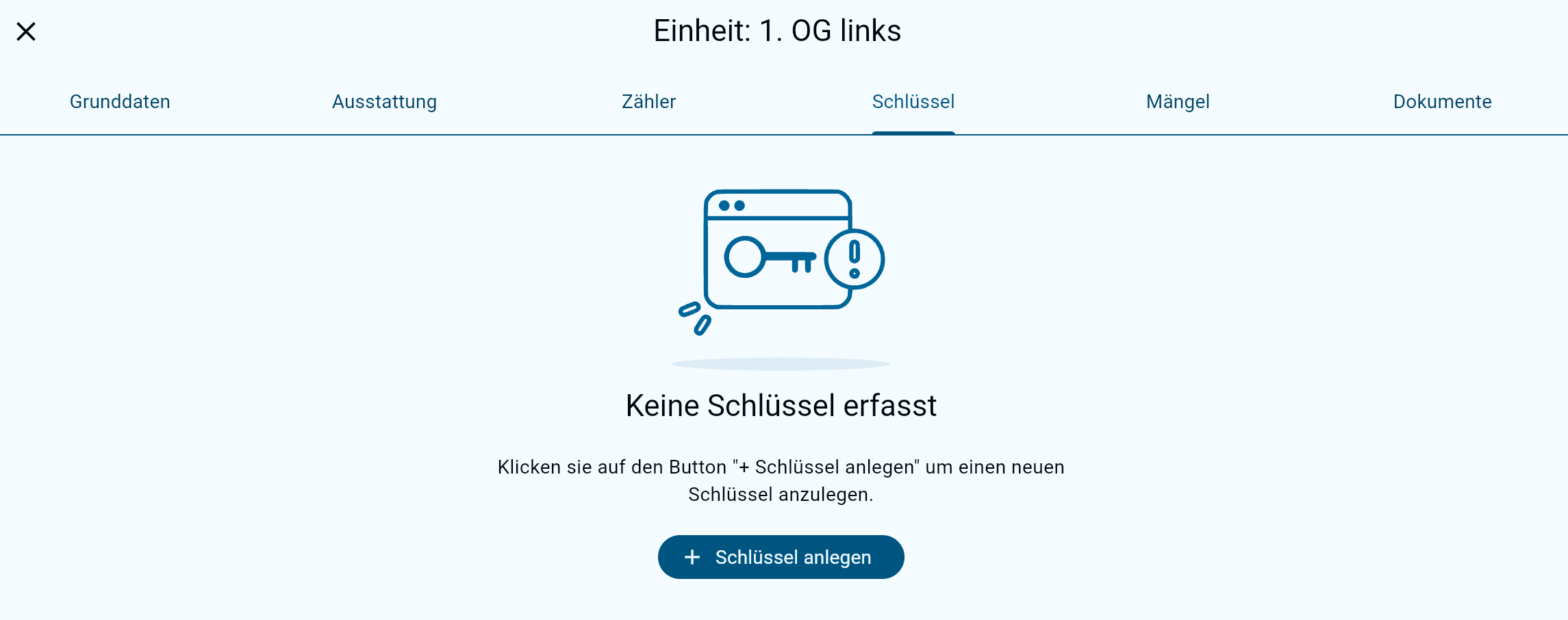
  • All keys recorded for the unit are listed clearly. The "+ Create key" button lets you assign new keys to a unit.

  • All recorded keys are adopted automatically in the handover report.

Keys can only be recorded at unit level and are therefore always assigned to a specific unit. The "Keys" function lets you keep track at all times of all the keys for a unit that have been issued and are in circulation.

Creating keys

1

Create a key

The "Create key" button lets you add a new key.

2

Enter the key data

In the following window you can record the data for the key type concerned.

Field
Explanation

Key number (optional)

The number of the lock cylinder is usually used as the key number. It is normally found directly on the key and serves for unambiguous identification and assignment within key management.

Key name

The key name serves as the general description of the key, for example front door, apartment door, letterbox or cellar. It helps to distinguish different keys within a unit clearly and manage them easily.

Quantity

Here you state how many copies of the key exist. This information is important for documentation at the apartment handover and automates the later recording in the handover report.

Description (optional)

An optional field for internal notes about the key concerned. Here you can record, for example, which areas or doors the key opens or particular characteristics relating to its use or assignment.

3

Save the key

Clicking "Save" creates the key in Immodio. If several keys are to be created at once, the next key can be recorded straight away using "Create key".

Last updated