> For the complete documentation index, see [llms.txt](https://help.immodio.app/llms.txt). Markdown versions of documentation pages are available by appending `.md` to page URLs; this page is available as [Markdown](https://help.immodio.app/en/anleitung/mietverhaltnisse/mietverhaltnis-ubersicht.md).
# Tenancy overview
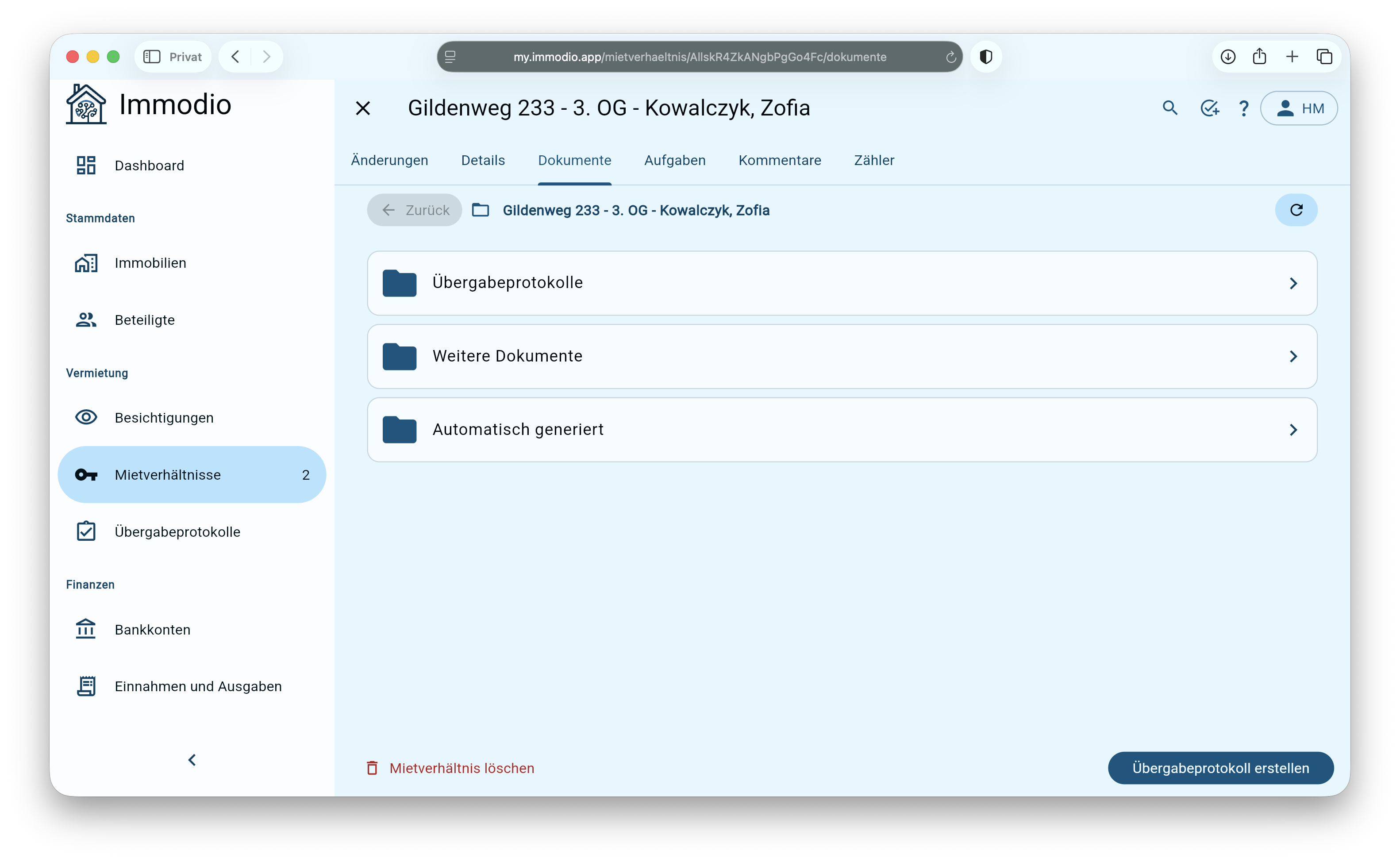
This page gives you an overview of the data stored in a tenancy.
* Clicking a tenancy takes you to its detail view. There you can view and edit all information and documents.
* To delete a tenancy, first open the tenancy you want by clicking it. You can then remove the tenancy using the **bin icon** at the bottom left.
***
### Detail view of a tenancy
The following pages give you more information on the specific topics:
{% content-ref url="/pages/RlhldeRbnoejPXHaCnii" %}
[Changes (tenancy)](/en/anleitung/mietverhaltnisse/mietverhaltnis-ubersicht/anderungen-mietverhaltnis.md)
{% endcontent-ref %}
{% content-ref url="/pages/I29E5YmiyegOVo5nqXB4" %}
[Tasks (tenancy)](/en/anleitung/mietverhaltnisse/mietverhaltnis-ubersicht/aufgaben-mietverhaltnis.md)
{% endcontent-ref %}
{% content-ref url="/pages/JH7qCON4ECZisKDnCZid" %}
[Details (tenancy)](/en/anleitung/mietverhaltnisse/mietverhaltnis-ubersicht/details-mietverhaltnis.md)
{% endcontent-ref %}
{% content-ref url="/pages/faoE7MqPS1lnRwxclbLB" %}
[Documents (tenancy)](/en/anleitung/mietverhaltnisse/mietverhaltnis-ubersicht/dokumente-mietverhaltnis.md)
{% endcontent-ref %}
{% content-ref url="/pages/xlohMnKW8W83ZcnLwa2o" %}
[Comments (tenancy)](/en/anleitung/mietverhaltnisse/mietverhaltnis-ubersicht/kommentare-mietverhaltnis.md)
{% endcontent-ref %}
{% content-ref url="/pages/fiHayP5a2DgVKnC09SMf" %}
[Meters (tenancy)](/en/anleitung/mietverhaltnisse/mietverhaltnis-ubersicht/zahler-mietverhaltnis.md)
{% endcontent-ref %}
.png?alt=media)
.png?alt=media)